






Quarter CircleCircleSquareQuarter Circle
Toggle navigation

The design system documentation platform

zeroheight is a design system documentation tool that let’s you draft, publish and manage everything in one place – with AI to speed things up.

Integrations V1

One source of truth for your design system

Bring all components, tokens, guidance, and more into one central hub – no more scattered files, conflicting versions, or hunting for the “latest” anything.

Speed V2

Fast, intuitive editing – no code needed

With templates, a no-code editor, and AI built in, zeroheight makes it fast to create, refine, and publish documentation that actually gets used.

Smiling emoji with a rosy background, representing happiness and positivity in digital communication.

Where design and dev work in sync

A single platform where designers and developers collaborate on documentation, not just handoffs. With AI helping keep content consistent, everyone stays aligned as your system evolves.

Triangle ShapeSquare ShapeCircle ShapeQuarter Circle Shape

Documentation / Create

Get your docs up and running fast

Pull in components from Figma and Storybook, start with ready-made templates, and tailor everything to your needs – so you can go live in days, not weeks.

No need to start from scratch

Bring together the tools your teams already love, use AI to spin up and polish your docs, then automate the workflow from design-to-code so everything flows.

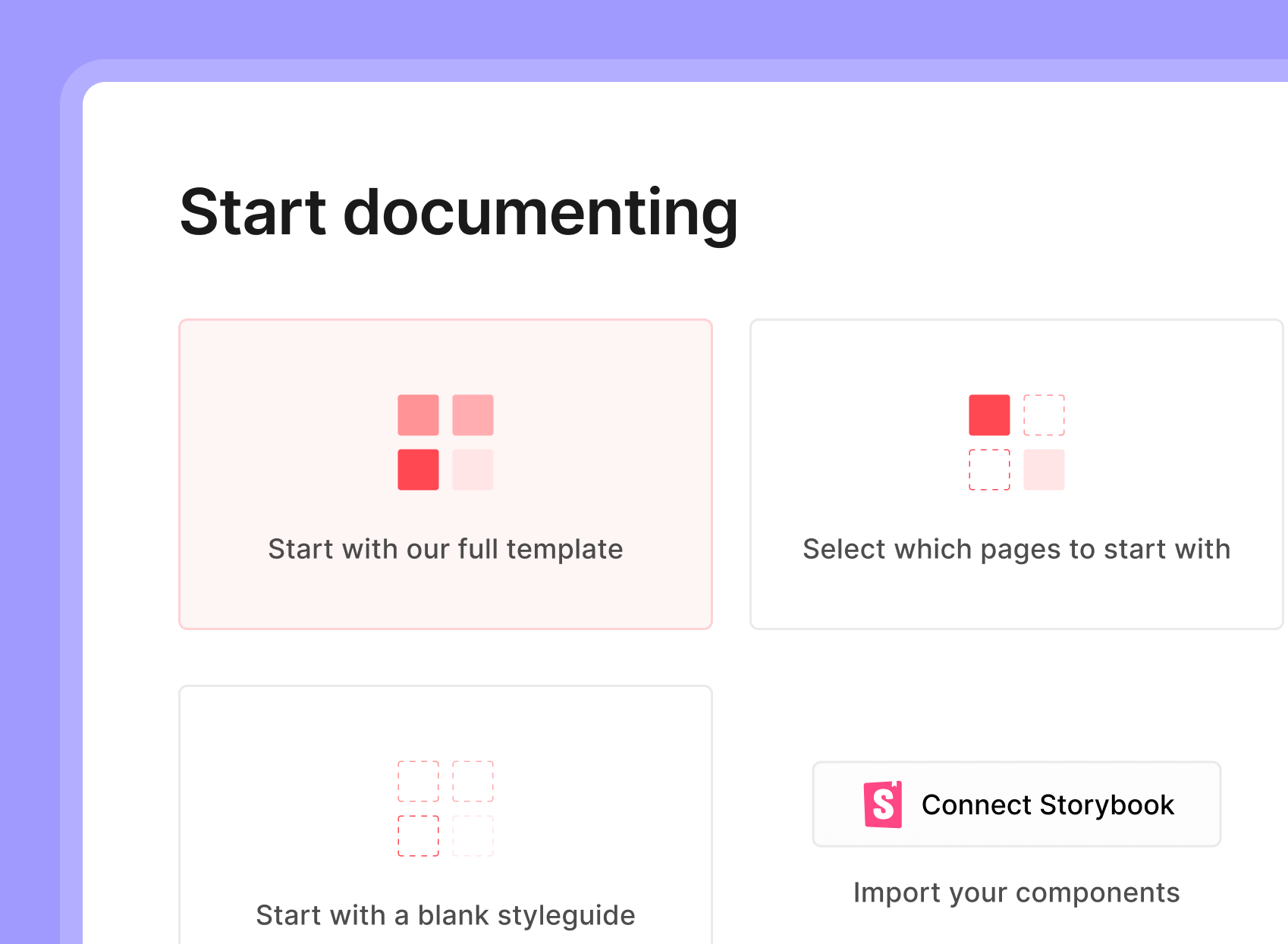
Start documenting interface featuring options to use a full template, select specific pages, create a blank style guide, and connect Storybook for component importation.
Fast foundations

Set up your design system docs fast with ready-to-use templates, or generate complete pages instantly with Build with AI based on your existing content and tone.

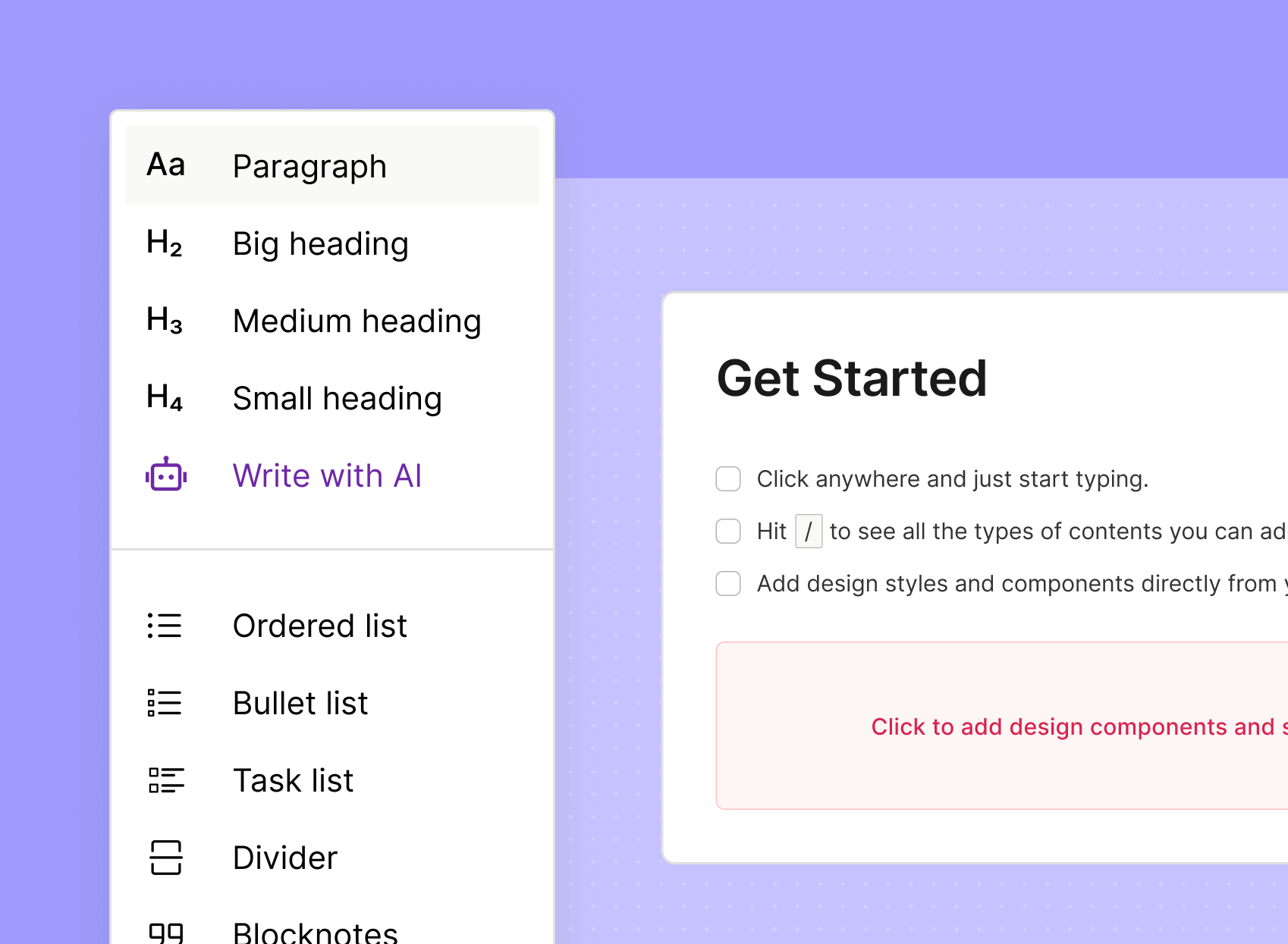
User interface showcasing text formatting options and a "Get Started" guide for content creation, featuring headings, lists, and AI writing assistance on a purple background.
No-code editing

Refine everything with our no-code editor, as easy as writing a doc. AI actions are built right in to help you draft, polish, and keep content consistent across contributors.

New

zeroheight Assistant

An AI teammate for design system editors 


Ask natural-language questions about your system and structure, surface insights, make structural updates, and get improvement recommendations — all without leaving the editor. Spot missing guidance, reorganize sections, keep everything consistent. The Assistant helps you stay on top of it all.

Documentation / Collaborate

Get everyone on the same page (literally)

Let designers, developers, and product teams collaborate in one place – not all over the place. Share feedback, track progress, and stay aligned without the back-and-forth.

Commenting and collaboration

Collect feedback from contributors and collaborate where the work happens – not scattered across tools or threads.

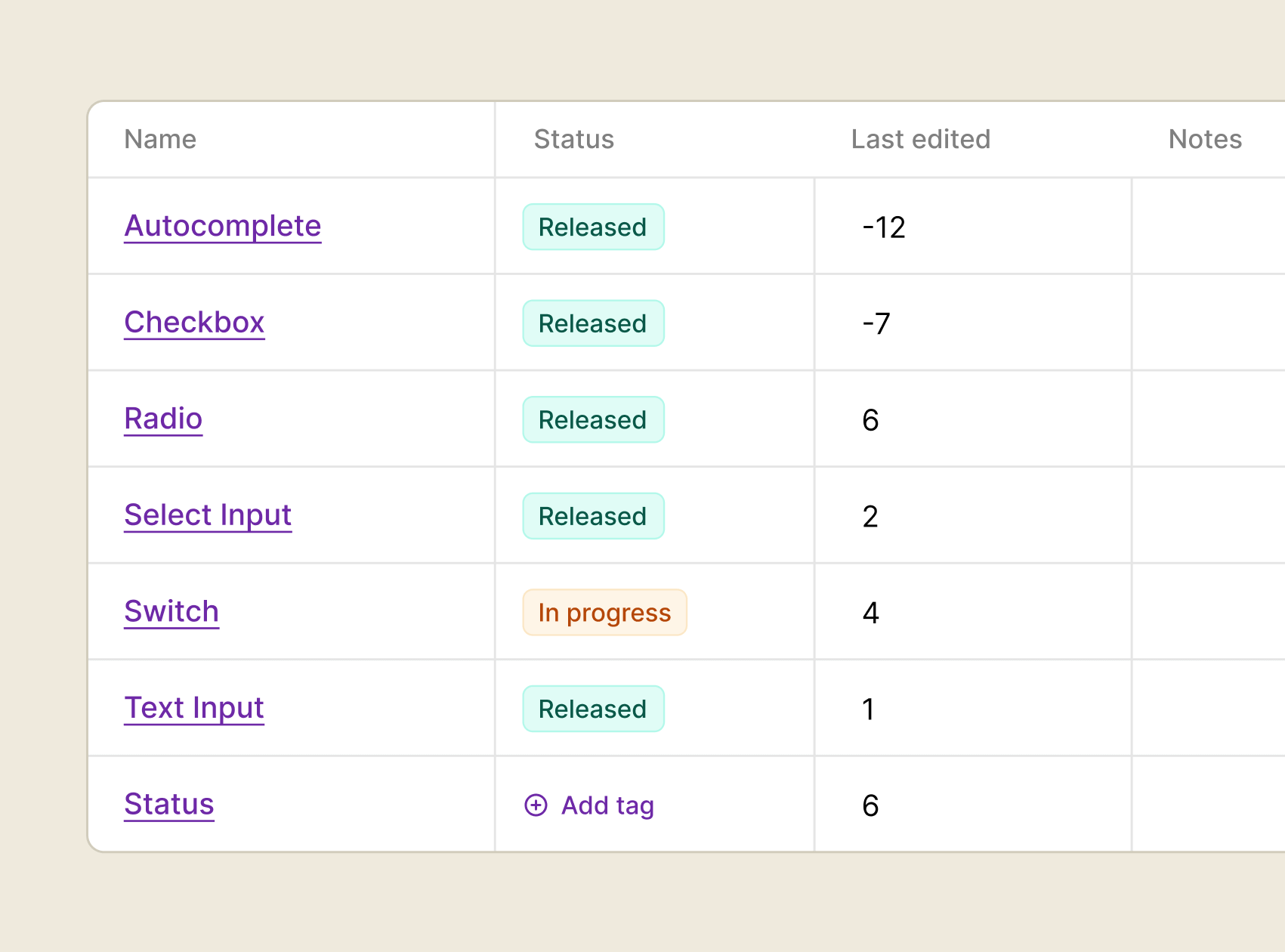
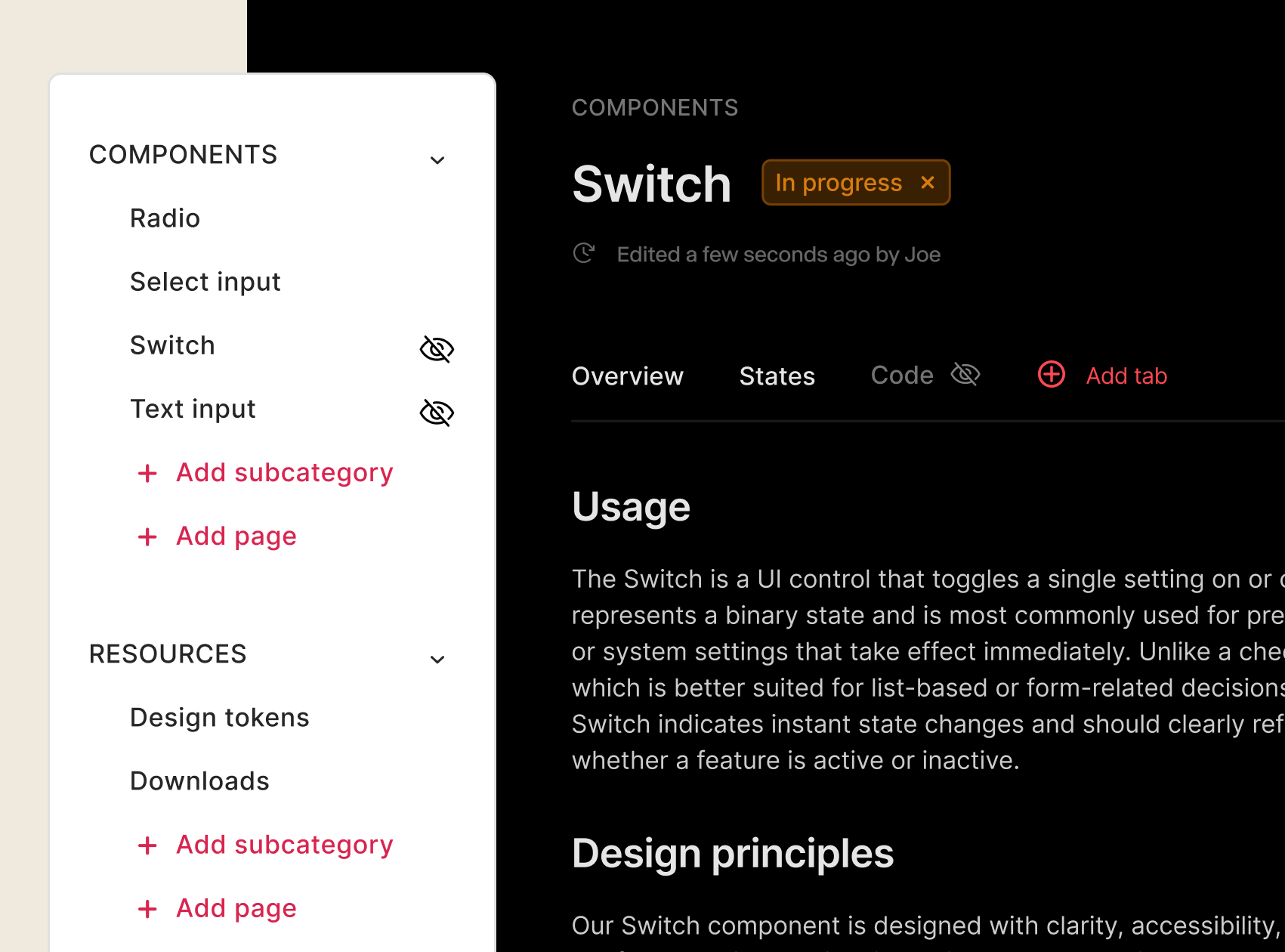
Table displaying the status and last edited details of various input components including Autocomplete, Checkbox, Radio, Select Input, Switch, and Text Input, with an emphasis on their release status and editing history.

Status tracking

Give everyone a clear, always-up-to-date view of what’s done, in progress, or needs attention – so teams stay aligned and use the right pieces.

Hidden Pages (3)

Hidden pages

Draft and review pages privately until they’re ready. Refine work behind the scenes so nothing half-finished slips into your live documentation.

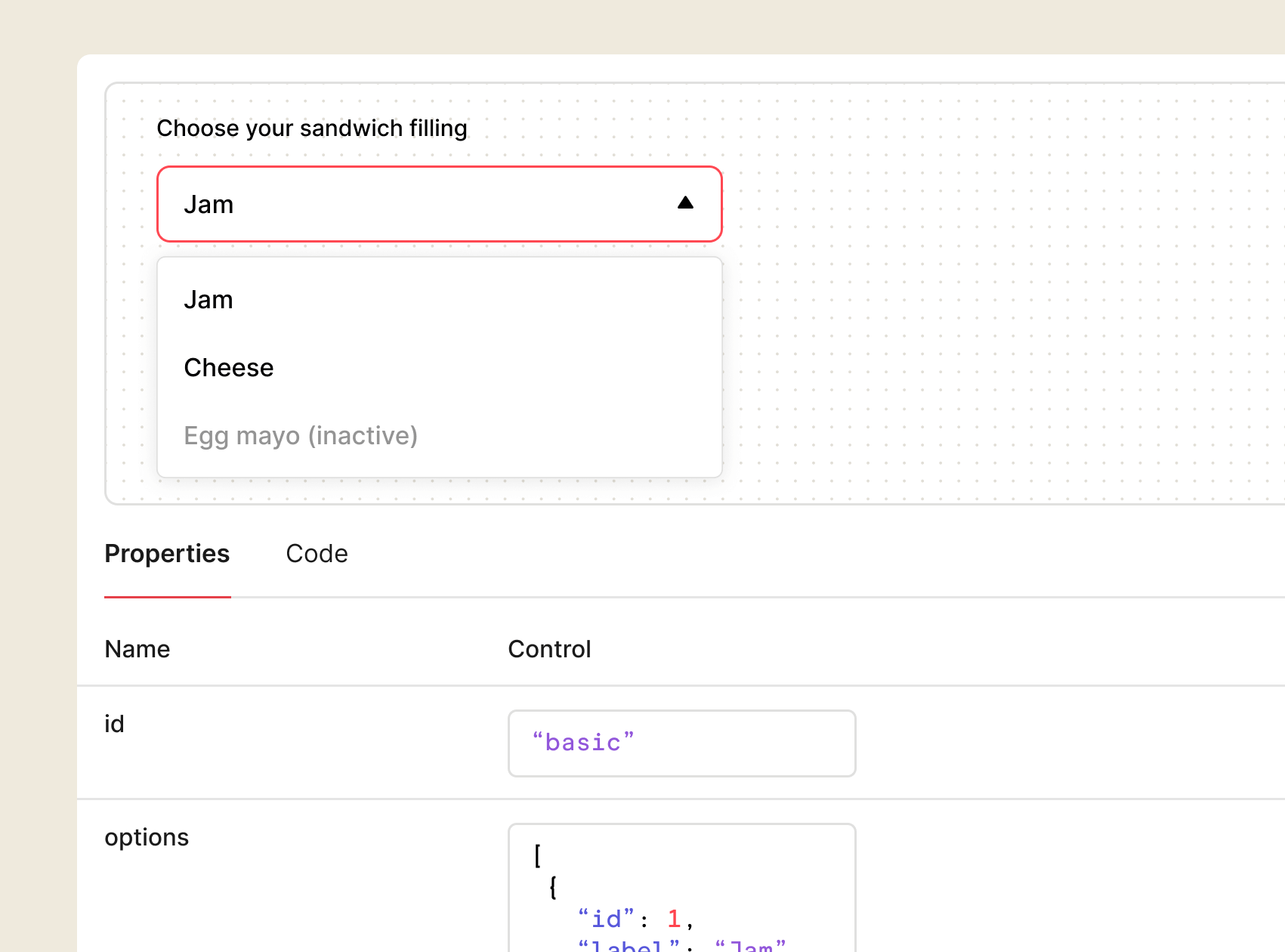
Dropdown menu for selecting sandwich fillings, featuring options like Jam and Cheese, with Egg Mayo marked as inactive. The interface includes properties and code sections for easy customization.

Interactive code blocks

Let developers test and experiment with React, Angular, and Vue components – tweak props, see changes live, and grab production-ready code in one place.

compare the market company logo
Building out the documentation requires no development resource, which means our team can be much more efficient.
Jason McCarthy
Lead UX Designer

Documentation / Maintain and Scale

Scale your system without the growing pains

Keep documentation aligned across tools, products, versions, and teams – no matter how big your system gets.

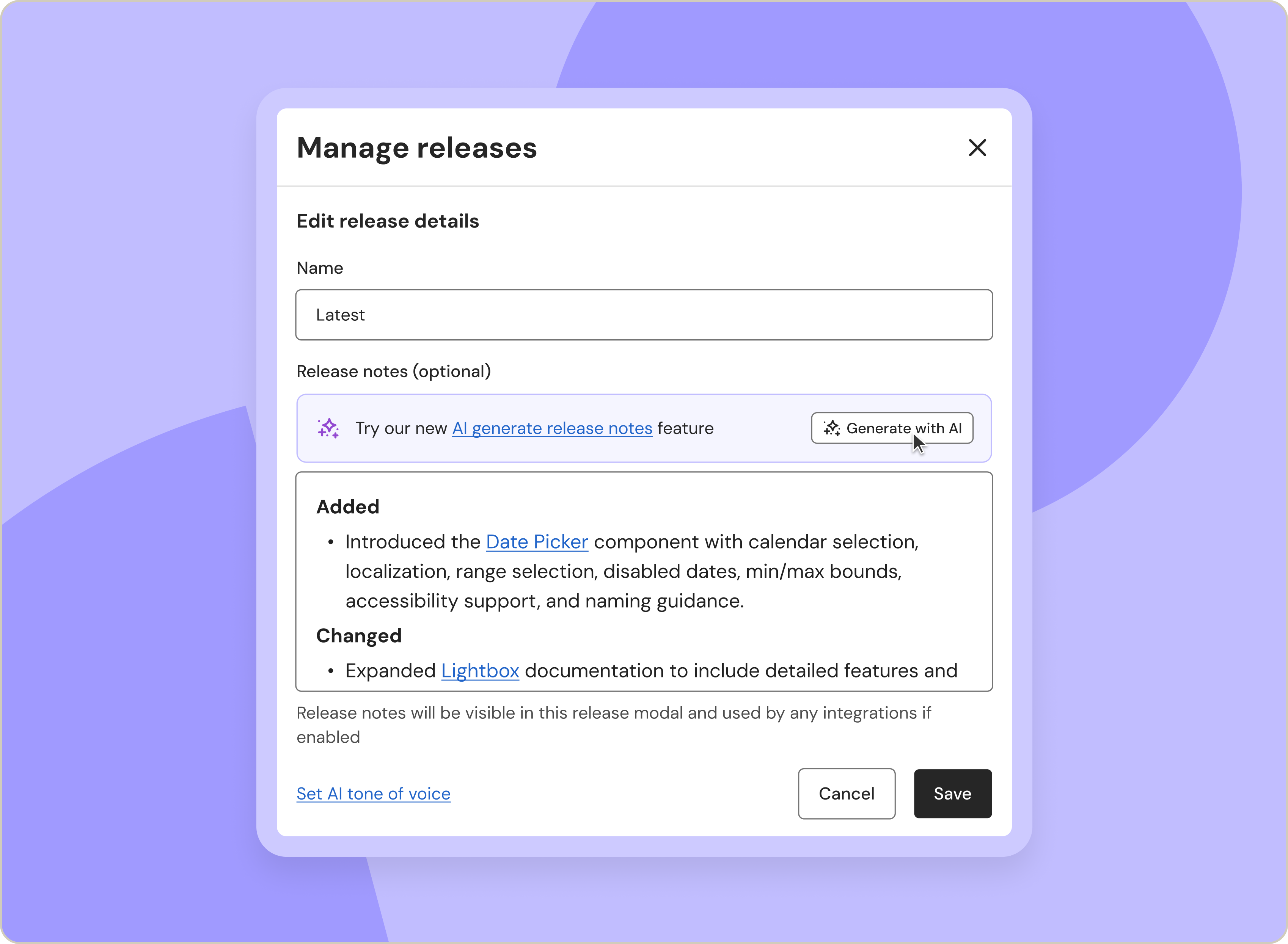
Ai Generated Release Notes 1698x1245px V1@2x

Versioned releases

Version your styleguide in a few clicks and generate AI-powered release notes. Anyone can browse between versions or ask the Assistant for details.

Keep your docs in sync effortlessly

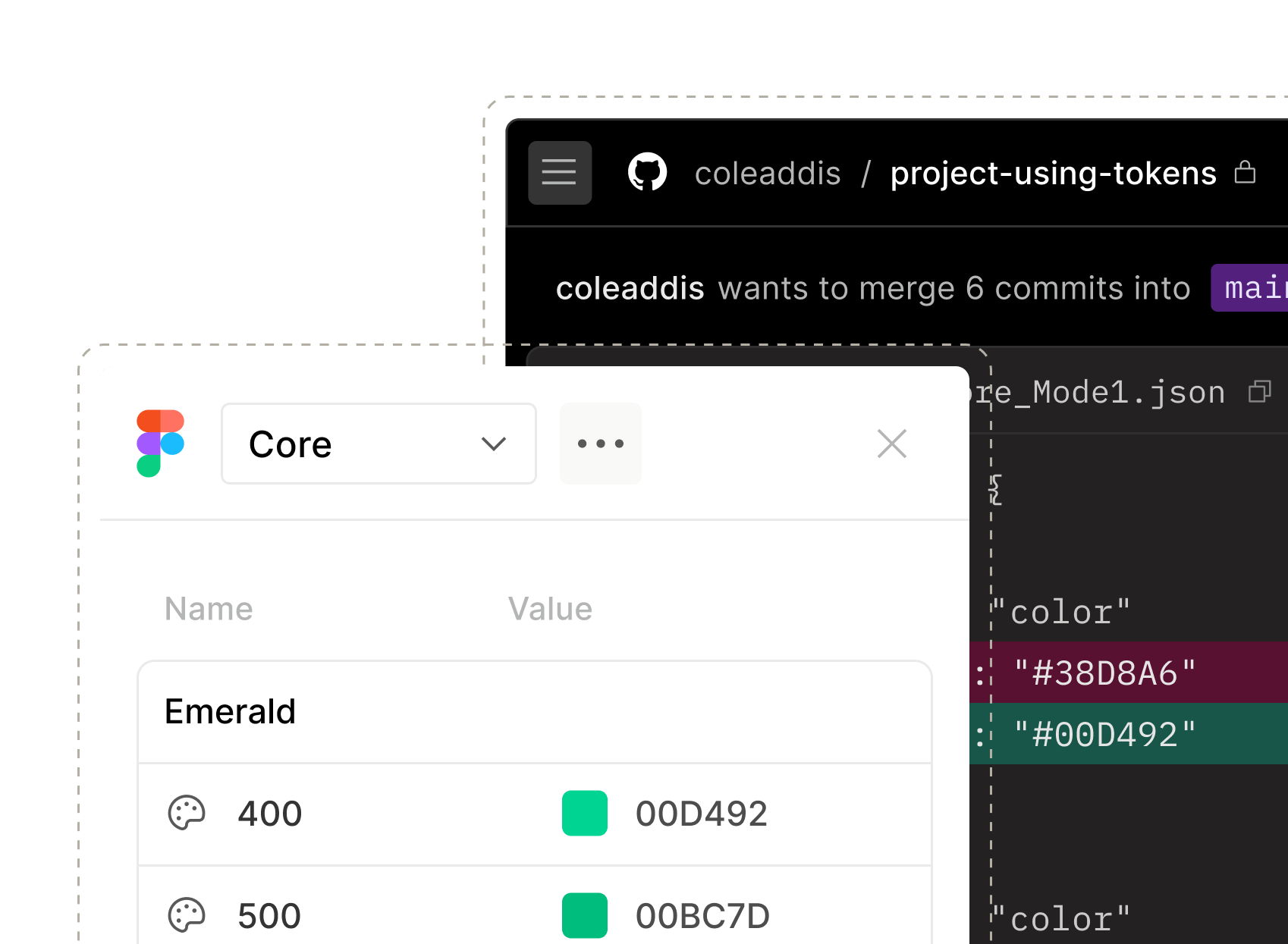
Sync Figma, Storybook, and your repo in one place, then carry that same trusted context into AI tools like Claude, VS Code, and Cursor – so nothing drifts out of line as teams design and build.
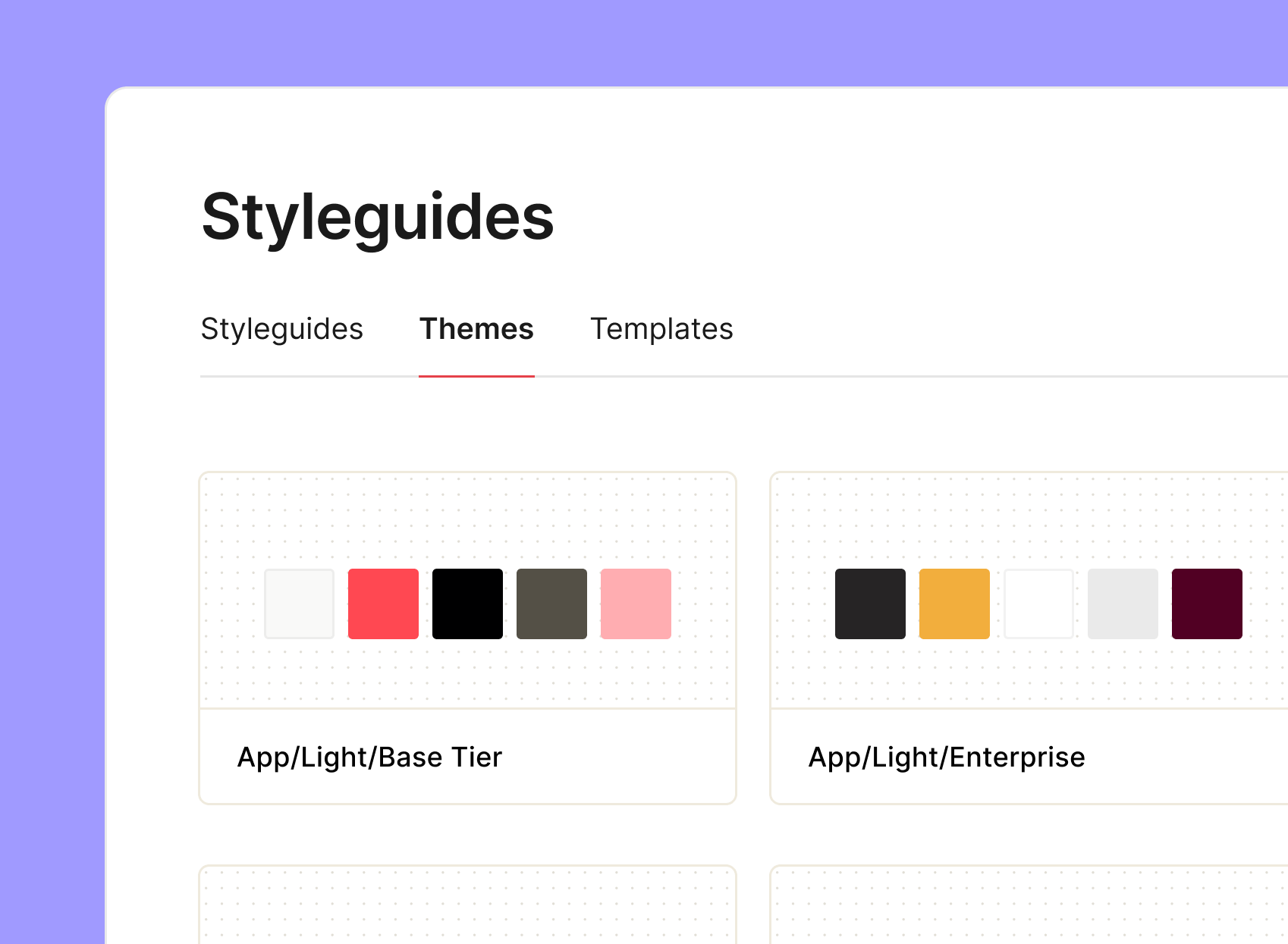
Styleguides interface displaying color themes for app design, featuring options for Base Tier and Enterprise Tier with various color palettes.

Scale across multiple brands and products with AI

Use Build with AI to generate structured drafts, Improve with AI to refine them, and the zeroheight Assistant to surface gaps and help prioritise updates – so your system stays organised as it scales.

Outdoorsy Logo
logo/primary/Outdoorsy
How the startup, Outdoorsy, launched a brand new company with help from their design system
Read story
Graphic illustrating digital security concepts, featuring a padlock, various icons representing design elements, payment symbols, and a cursor. This image emphasizes the importance of security in online transactions and design.

Documentation / Support

The support your system deserves

Access our in-house design system experts and a thriving community that will give you the guidance to get your system to an A+ level.