



Quarter CircleCircleSquareQuarter Circle

Prototype in Figma Make – grounded in your design system.

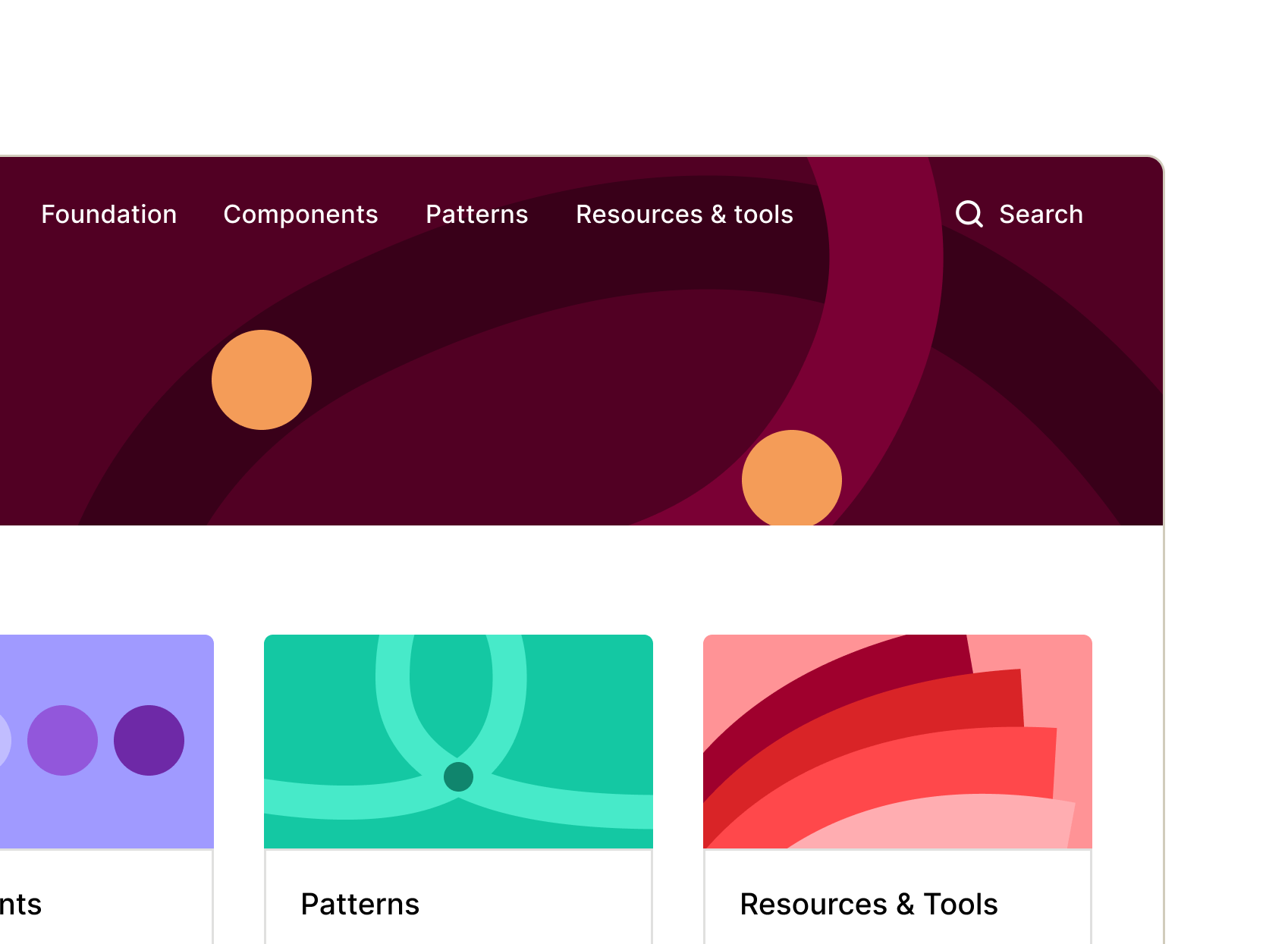
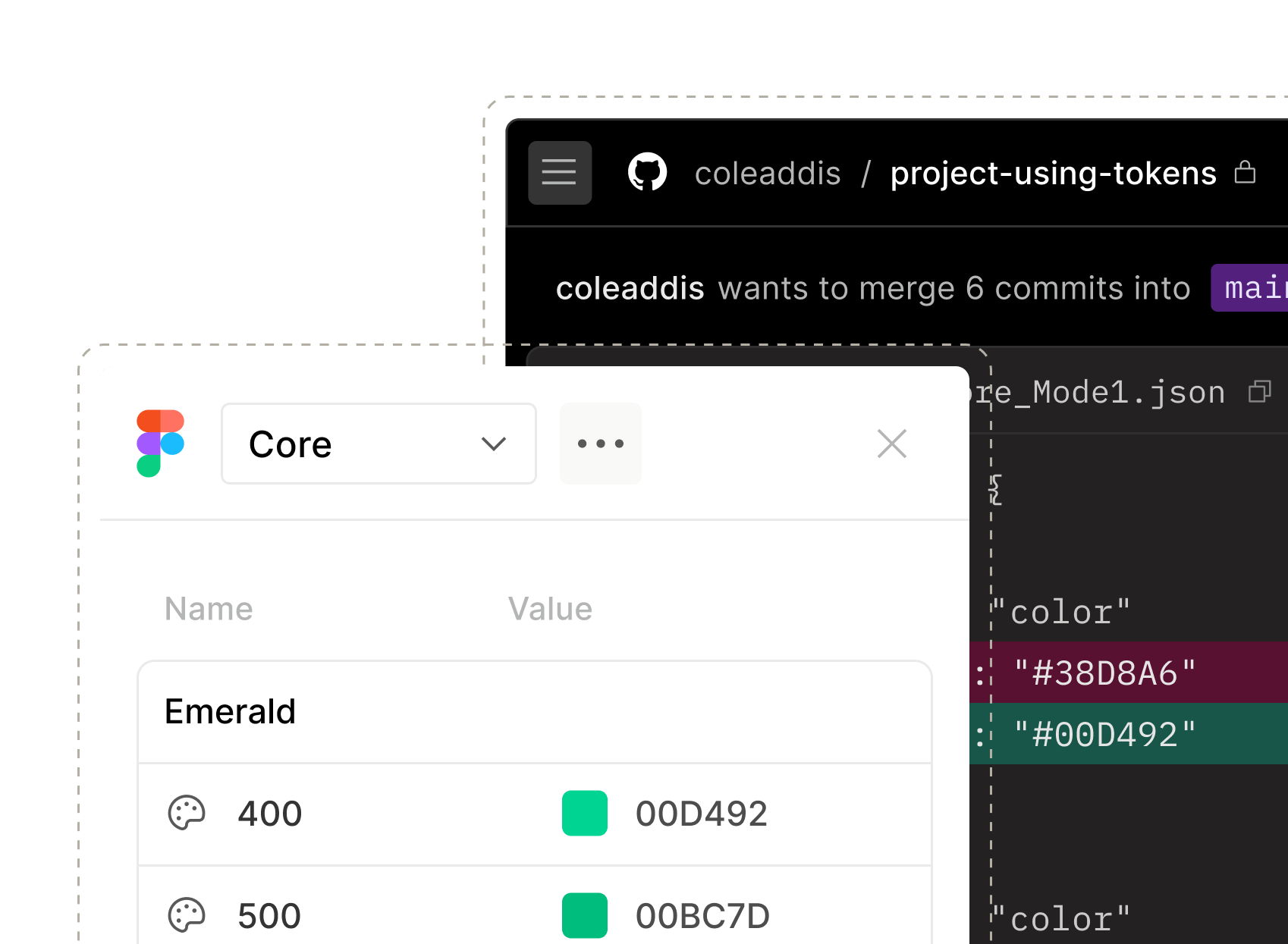
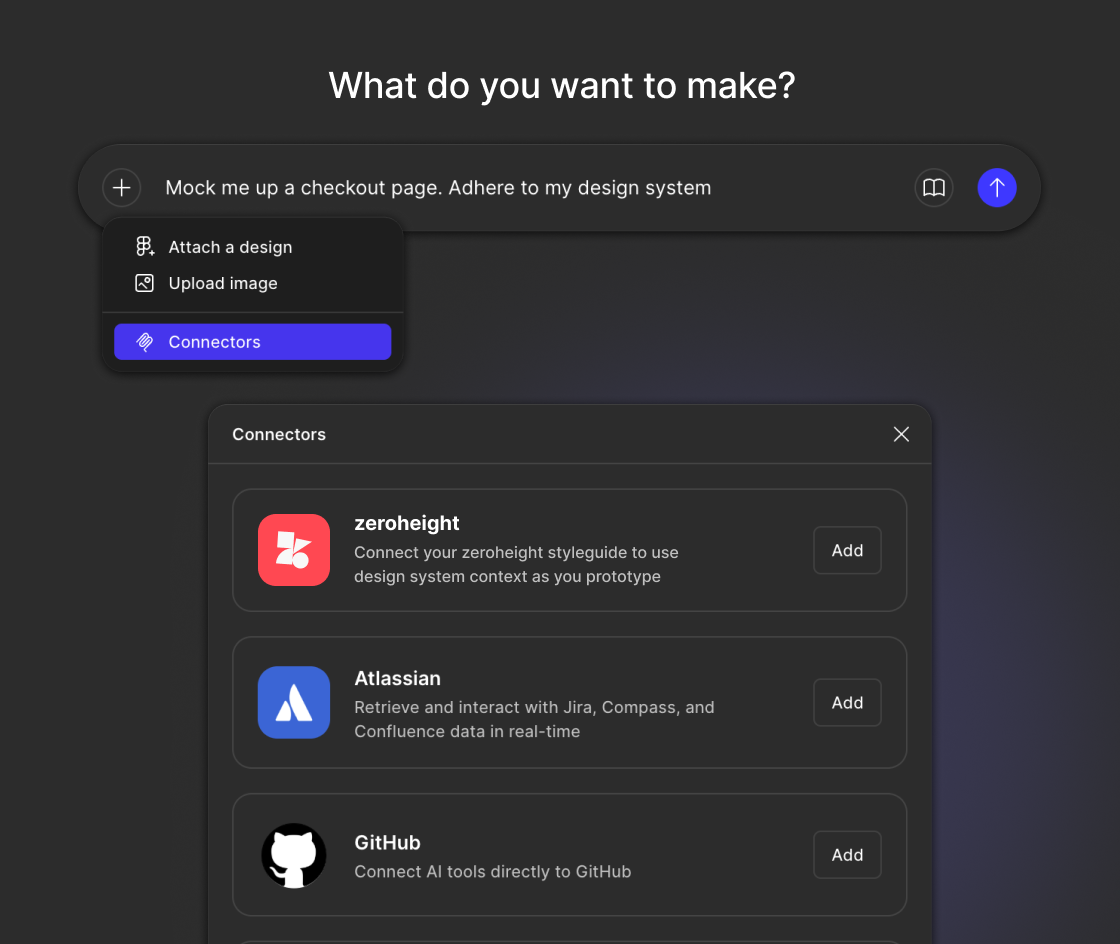
Connect zeroheight and Figma Make to bring your documented components and guidance directly into AI-powered prototypes.

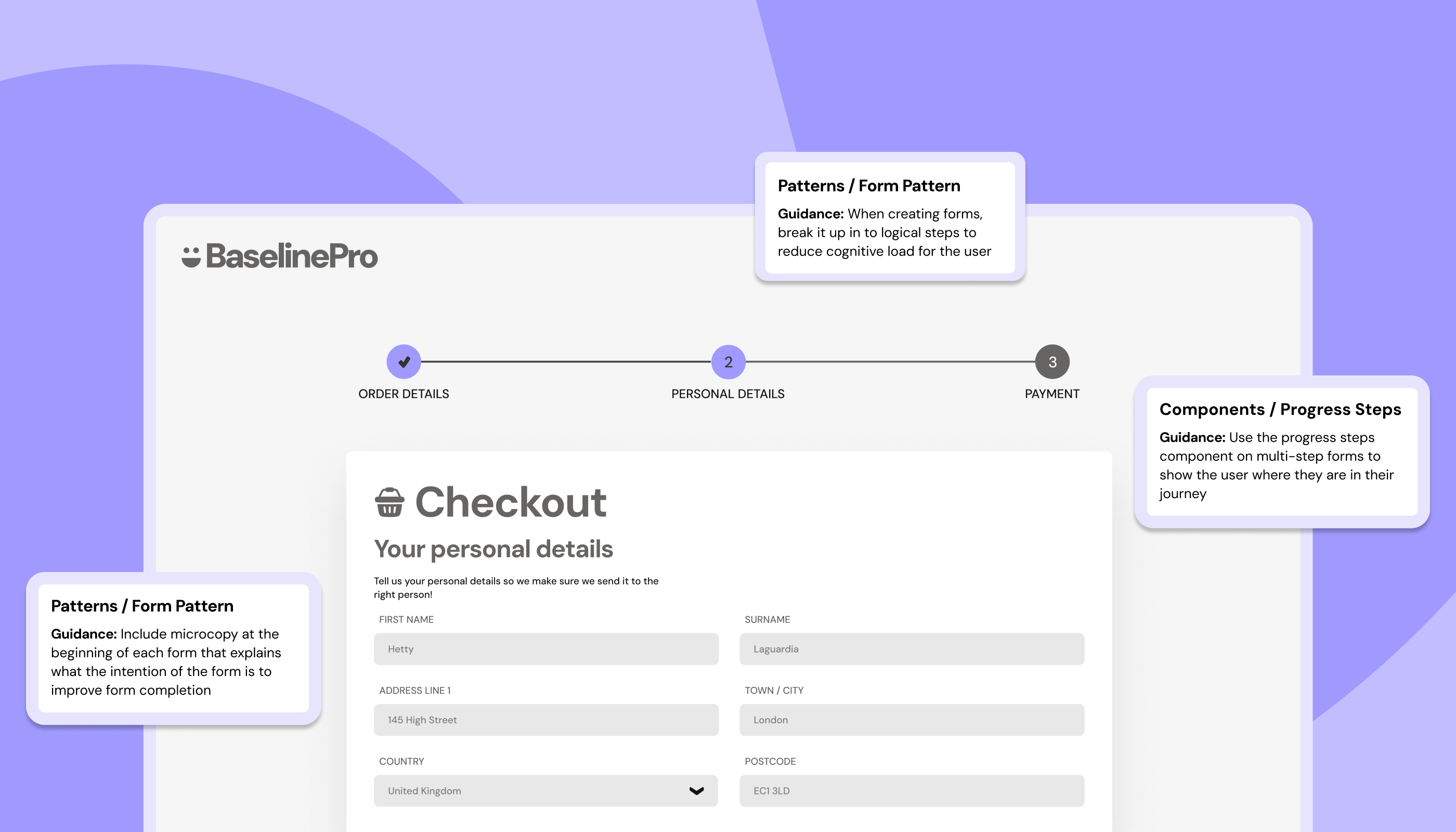
Figma Make Checkout UI 1400x800px
Figma Make Add Connector UI 560x472px@2x

AI speeds up prototyping.

Without your design system in the loop, outputs can drift, leading to clean-up later. The zeroheight connector for Figma Make keeps your documented components and guidance part of the workflow, making prototypes easier to validate, iterate on, and take forward.
Quarter CircleCircleSquareQuarter Circle

From prompt to on-system prototype

Figma Make references your zeroheight styleguide and generates a prototype using the right components, patterns and guidance.


Instead of a generic proof of concept, you get a prototype that’s closer to the real product – not just a fast mockup.

Build a single source of truth for your design system

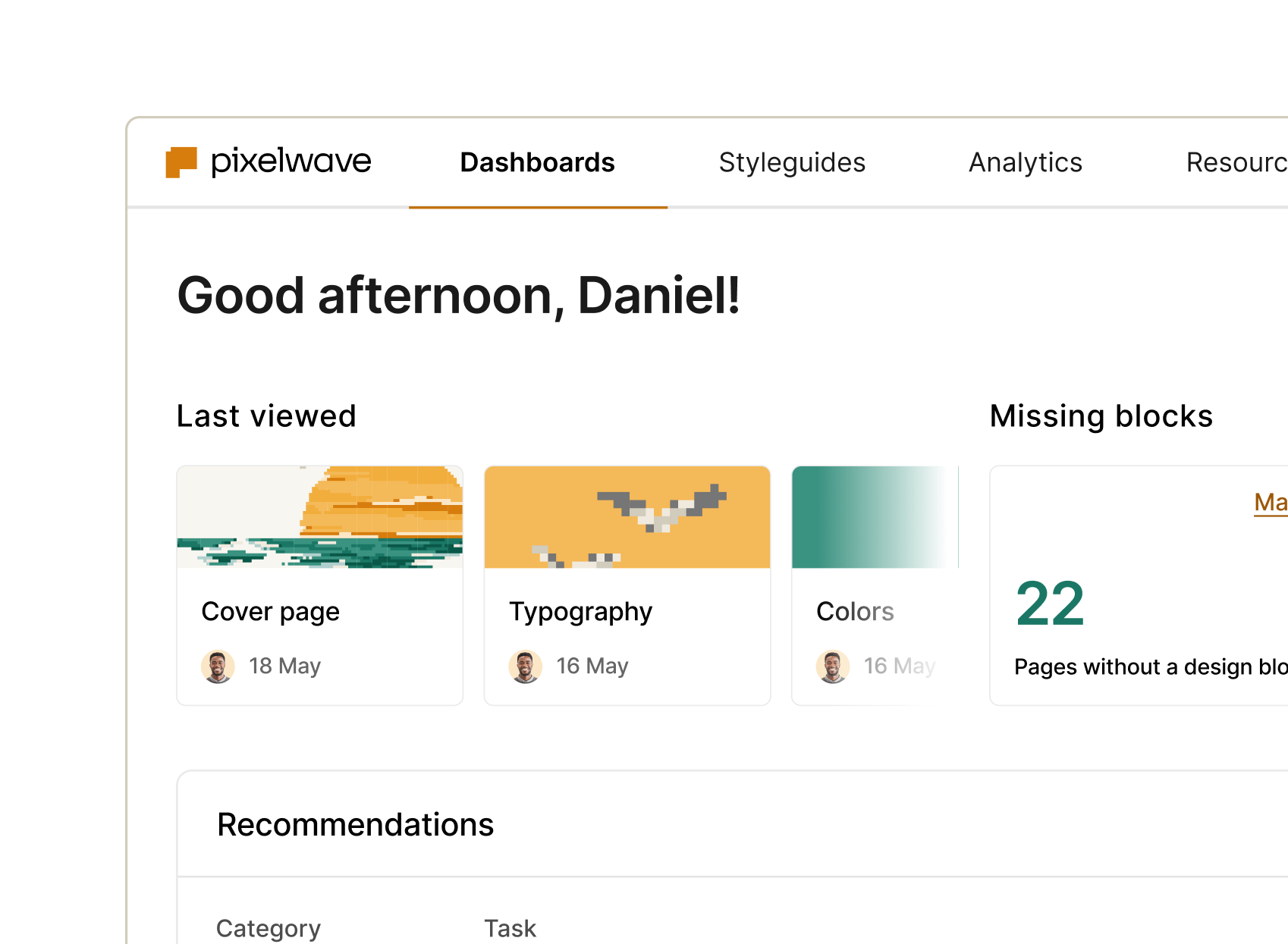
zeroheight helps teams document and scale their design systems.


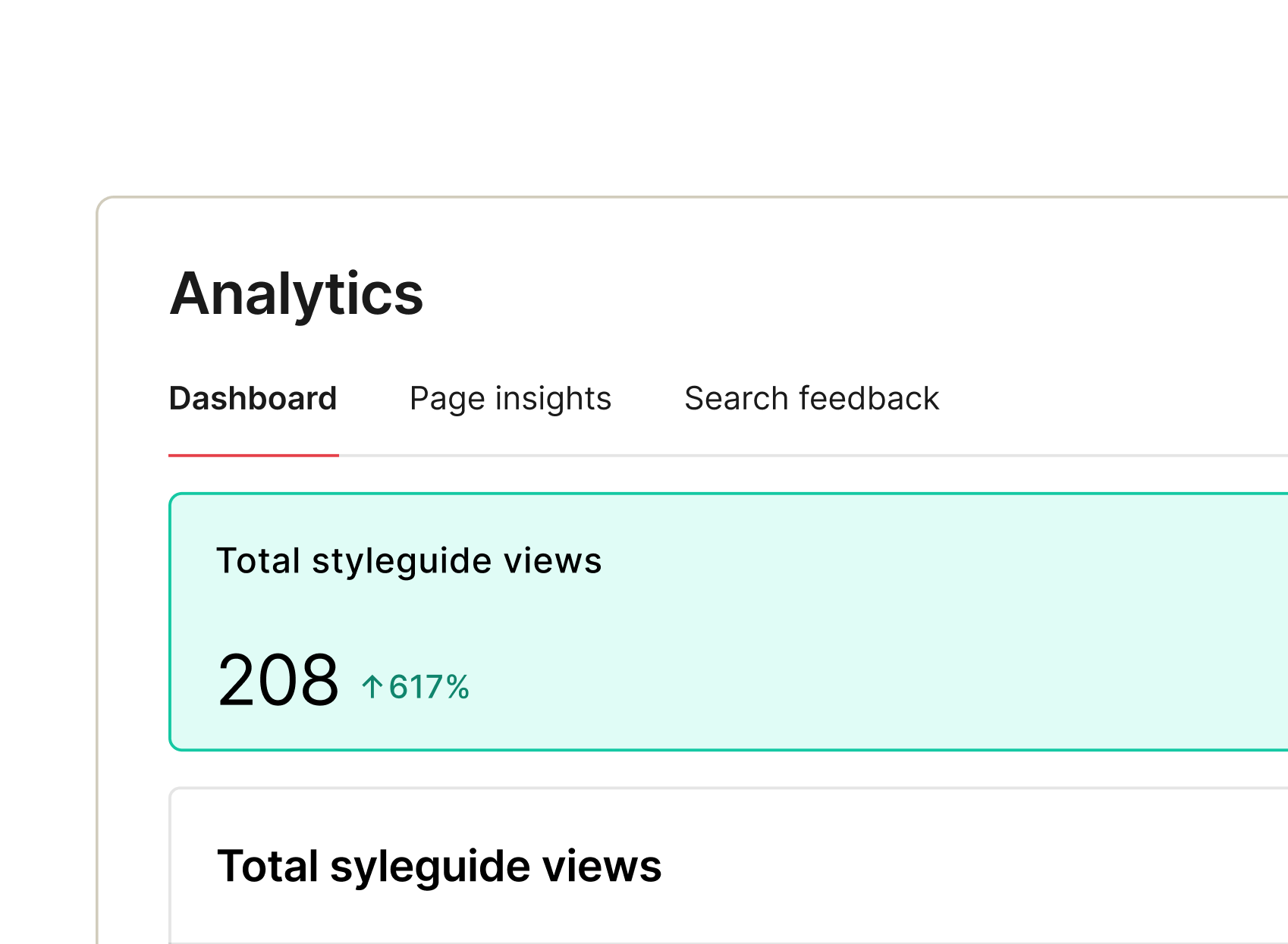
Now that same documentation can power AI workflows like Figma Make – turning your design system into real context for faster, aligned prototyping.